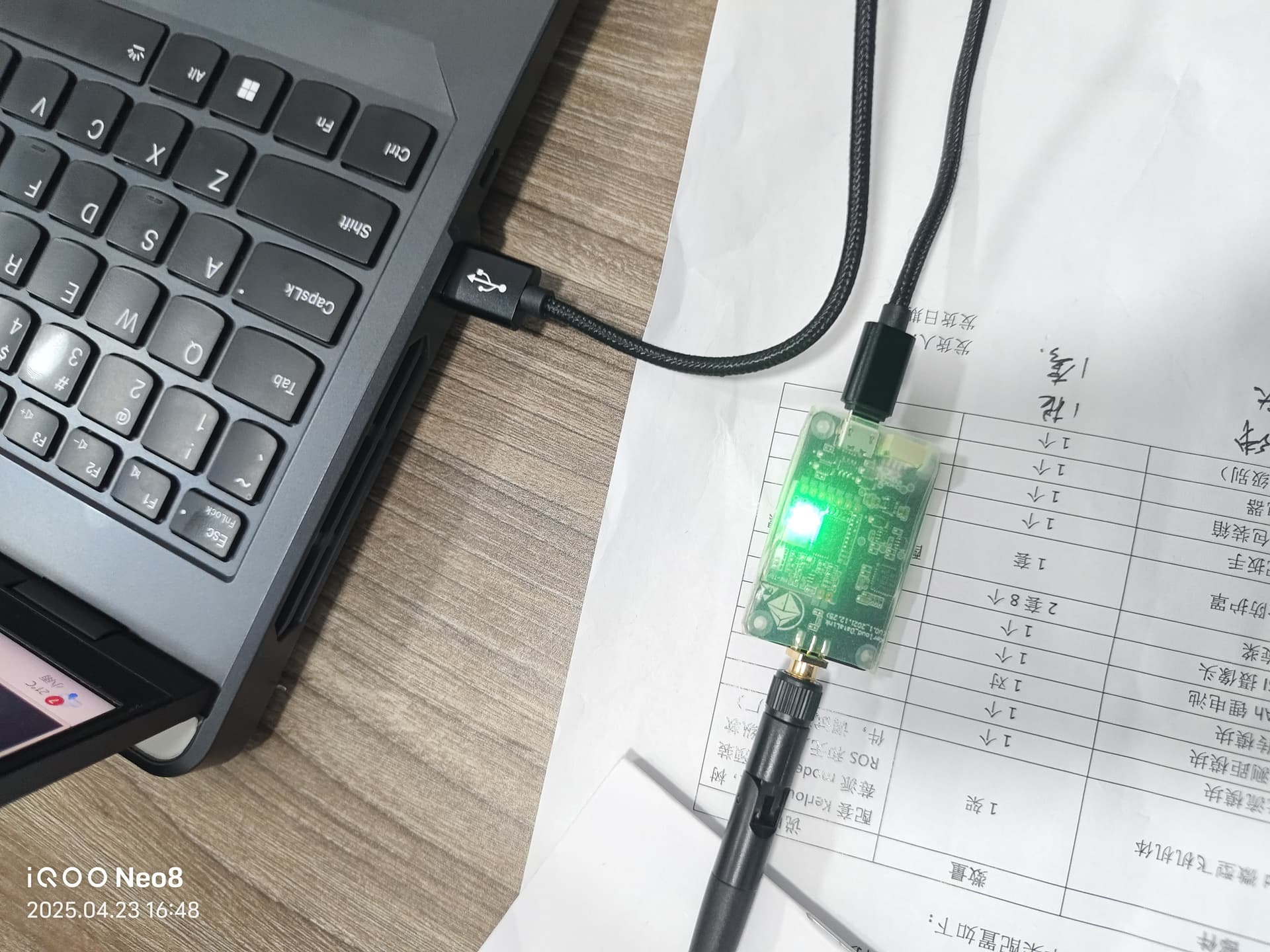
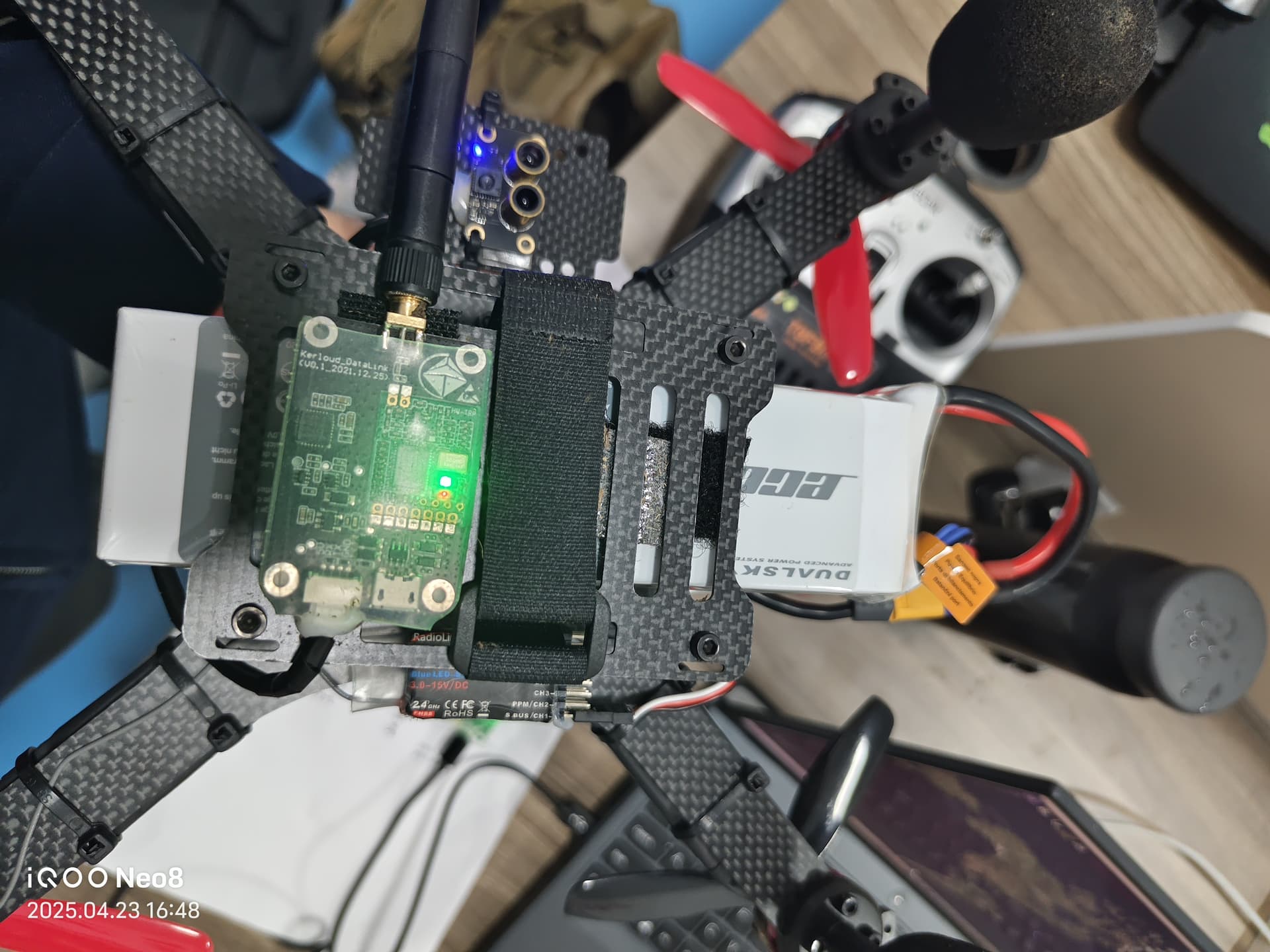
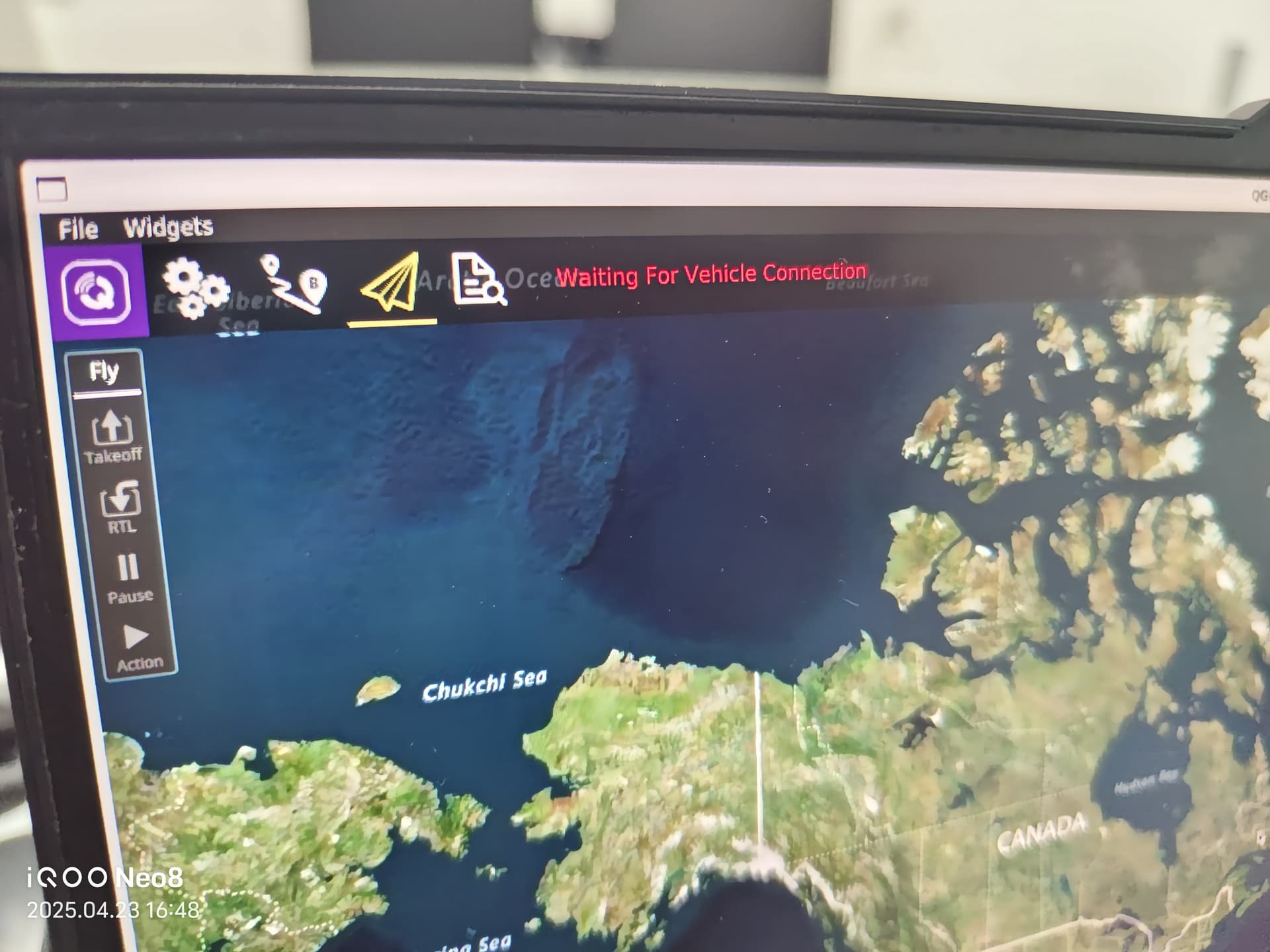
需要装驱动,如果是windows系统的话
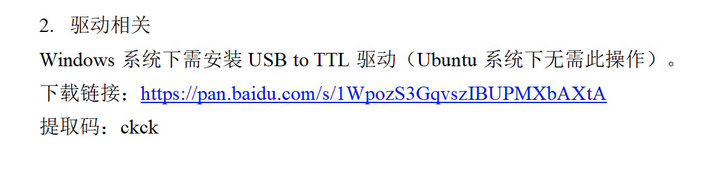
是Ubuntu系统
需要对QGC进行下述操作
sudo usermod -a -G dialout $USER
sudo apt-get remove modemmanager -y
sudo apt install gstreamer1.0-plugins-bad gstreamer1.0-libav gstreamer1.0-gl -y
Then logout and login again to enable the change to user permissions.
chmod +x ./QGroundControl_flyingrover.AppImage
./QGroundControl_flyingrover.AppImage
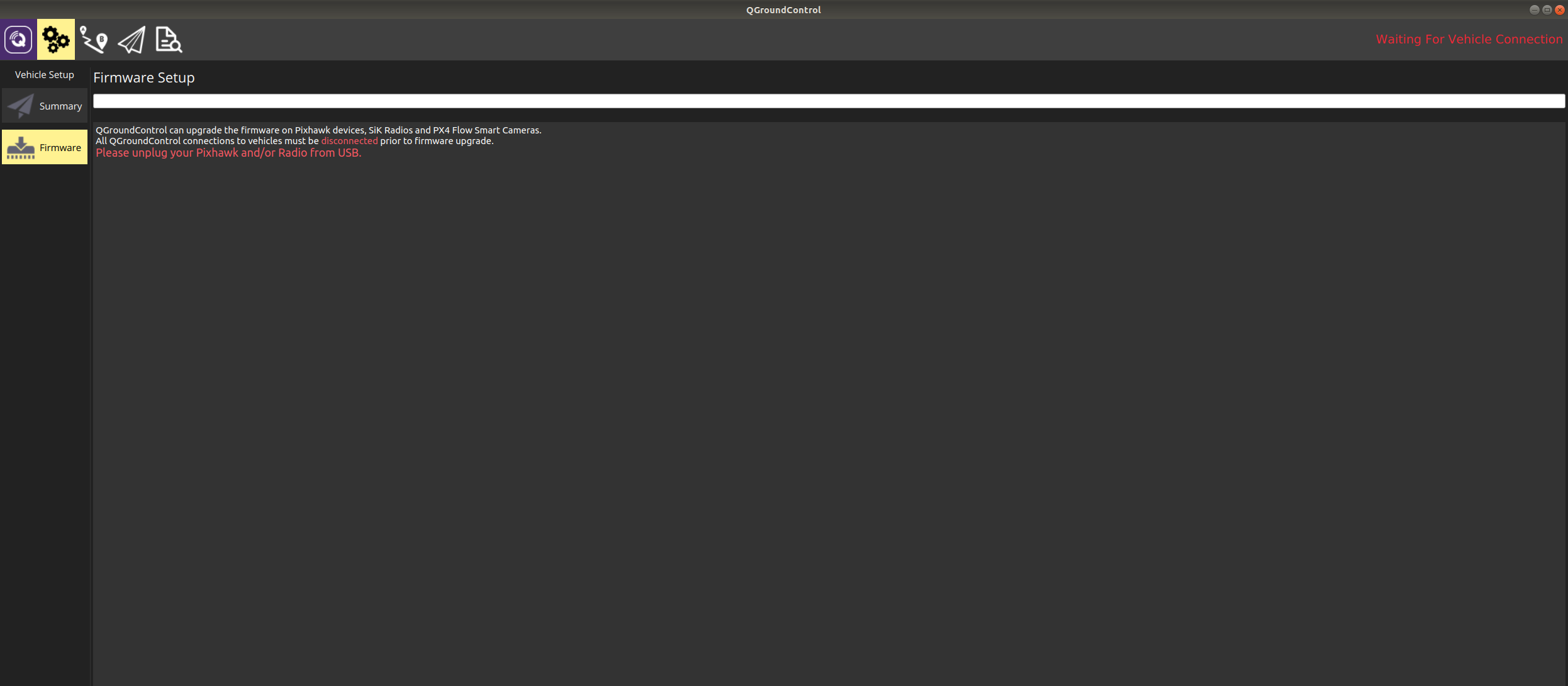
另外不要用地面站对数传进行升级,如果升级了,需要再用地面站对两个数传进行固件刷新。
参见QGC的firmware标签页
没有升级,按照之前的做完之后,就是单纯的连不上
注意下述默认你在ubuntu18.04系统,如果是更新系统,对应的qgc设置请参考最新官方文档,也不要使用虚拟机进行操作。
https://docs.qgroundcontrol.com/master/en/qgc-user-guide/getting_started/download_and_install.html
(1)
使用lsusb指令查看是否可以识别到插在电脑端的数传。如果没有识别,换根线试试。
Bus 001 Device 009: ID 10c4:ea60 Cygnal Integrated Products, Inc. CP210x UART Bridge / myAVR mySmartUSB light
ubuntu@ubuntu-PC:~$ lsusb
Bus 002 Device 002: ID 05e3:0626 Genesys Logic, Inc.
Bus 002 Device 001: ID 1d6b:0003 Linux Foundation 3.0 root hub
Bus 001 Device 005: ID 2357:010c
Bus 001 Device 003: ID 0bda:0129 Realtek Semiconductor Corp. RTS5129 Card Reader Controller
Bus 001 Device 006: ID 1c4f:0026 SiGma Micro Keyboard
Bus 001 Device 004: ID 17ef:600e Lenovo
Bus 001 Device 002: ID 05e3:0610 Genesys Logic, Inc. 4-port hub
Bus 001 Device 008: ID 0cf3:e005 Atheros Communications, Inc.
Bus 001 Device 009: ID 10c4:ea60 Cygnal Integrated Products, Inc. CP210x UART Bridge / myAVR mySmartUSB light
Bus 001 Device 001: ID 1d6b:0002 Linux Foundation 2.0 root hub
(2) 设置QGC权限,完成后重启电脑!
sudo usermod -a -G dialout $USER
sudo apt-get remove modemmanager -y
sudo apt install gstreamer1.0-plugins-bad gstreamer1.0-libav gstreamer1.0-gl -y

# Then logout and login again to enable the change to user permissions.

# 这里的文件名称需要改成用户使用的文件名称!
chmod +x ./QGroundControl_flyingrover.AppImage
./QGroundControl_flyingrover.AppImage
(3) 使用QGC对两个数传进行固件升级,确保固件版本一致。
升级方法为在qgc的固件标签下通过microusb线连接数传,同样也需要连接机载端的数传(对应也有microusb口)
(4)在windows系统中使用mission planner对两个数传进行编号检查,
注意先要安装之前提到的CP210x串口驱动,
https://ardupilot.org/copter/docs/common-configuring-a-telemetry-radio-using-mission-planner.html
在显示中将两个数传的net ID设置成同一个数字
您可以参考这个链接在ubuntu18.04系统下使用该版本地面站
https://cloudkernel.cn/kerloud-flyingrover/quickstart-zh.html